The following texts were partially or completely generated with the help of generative AI models.
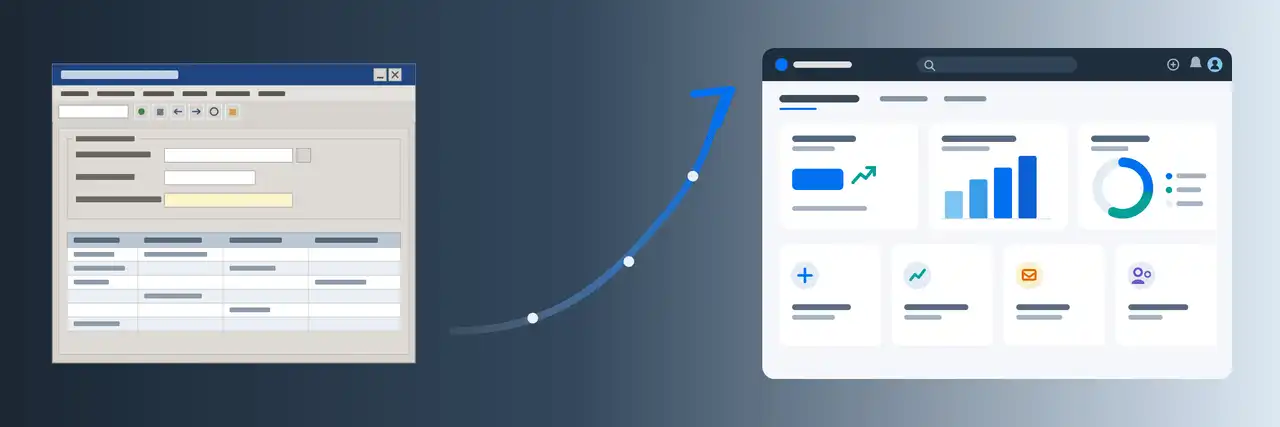
With BW/4HANA 2.0, the administration of InfoProviders and requests in the SAP GUI is no longer intended. Instead, a browser window opens with the SAP BW/4HANA Cockpit when we click on the administration of the ADSOs or start a DTP and the DTP monitor is supposed to open. You can find SAP's documentation for the BW/4HANA Cockpit here:
The BW/4HANA Cockpit is a Fiori web application that certainly has its justification and advantages. But sometimes this transaction is not reachable, e.g. when you have problems with the configuration of the web server, when certificates are missing, or when associated roles are missing (even though you have the SAP_ALL profile).
Bypassing the BW/4HANA Cockpit
A simple workaround is the SAP GUI transaction RSMNG in the SAP GUI. Here the old interface for the administration of a data target is (still) reachable. From here we can also navigate to the individual DTP requests.
Disabling the BW/4HANA Cockpit
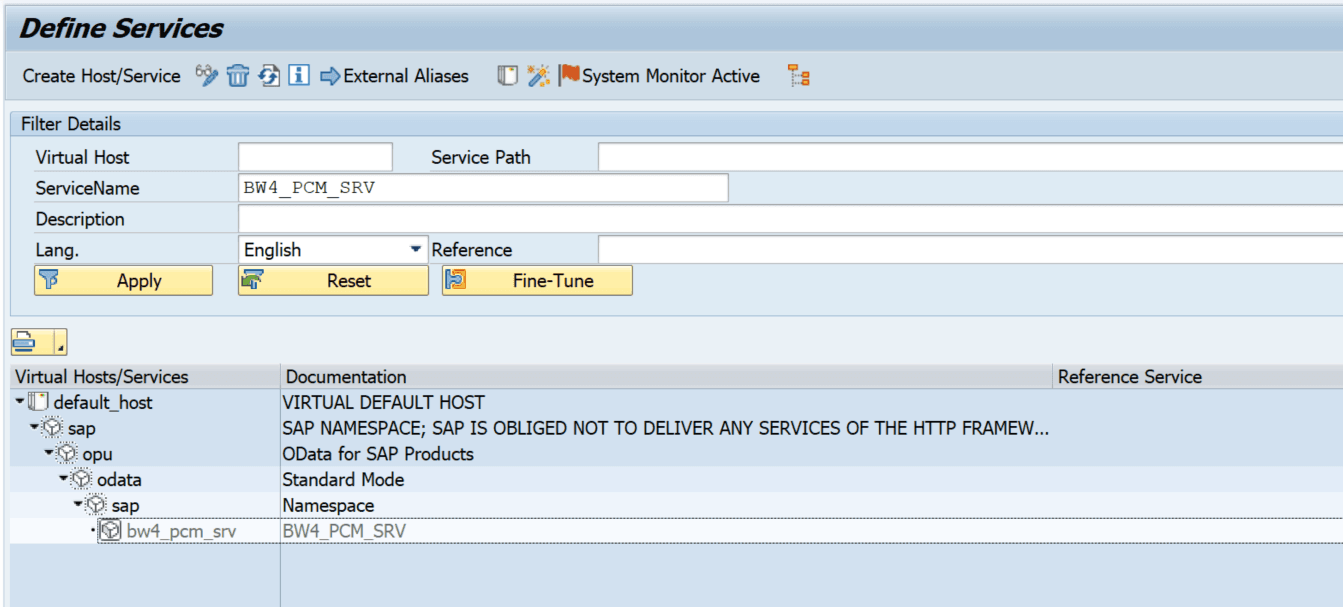
If you have no desire at all for the BW/4HANA Cockpit, you can also disable it centrally. The corresponding service BW4_PCM_SRV in transaction SICF must be deactivated. Then the classic administration opens in the SAP GUI as a fallback.
There is probably no support from SAP for this. Therefore it is questionable whether you should use it on productive systems. But I have customers who nevertheless work with the old administration this way across their entire BW/4HANA system landscape.
When the BW/4HANA Cockpit Won't Open
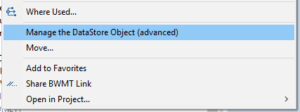
If the BW/4HANA Cockpit does not open when you click on "Manage the DataStore Object (advanced)" in Eclipse, it may be due to your settings in Eclipse. In my case it did not work with the "Default system web browser" setting. With the explicit selection of Chrome, a window then opened.
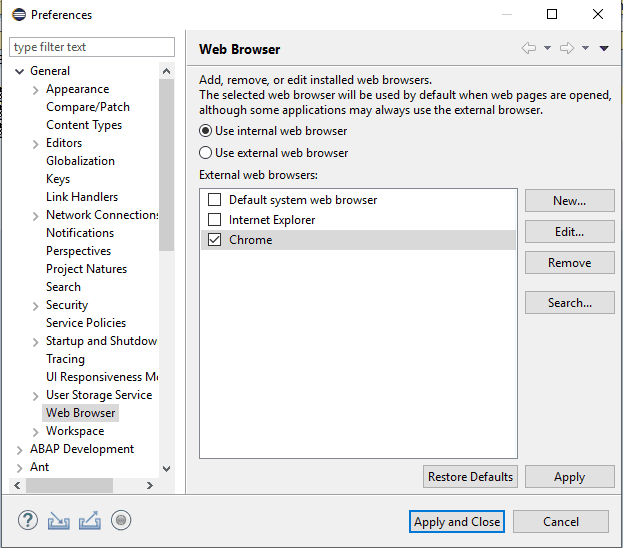 Web browser setting in Eclipse
What's Next for the BW/4HANA Cockpit?
In principle you should of course get used to the new interface of the BW/4HANA Cockpit in the browser, because it may happen that SAP switches off or restricts the "old" GUI transactions. But as a workaround it is definitely a good interim solution.