

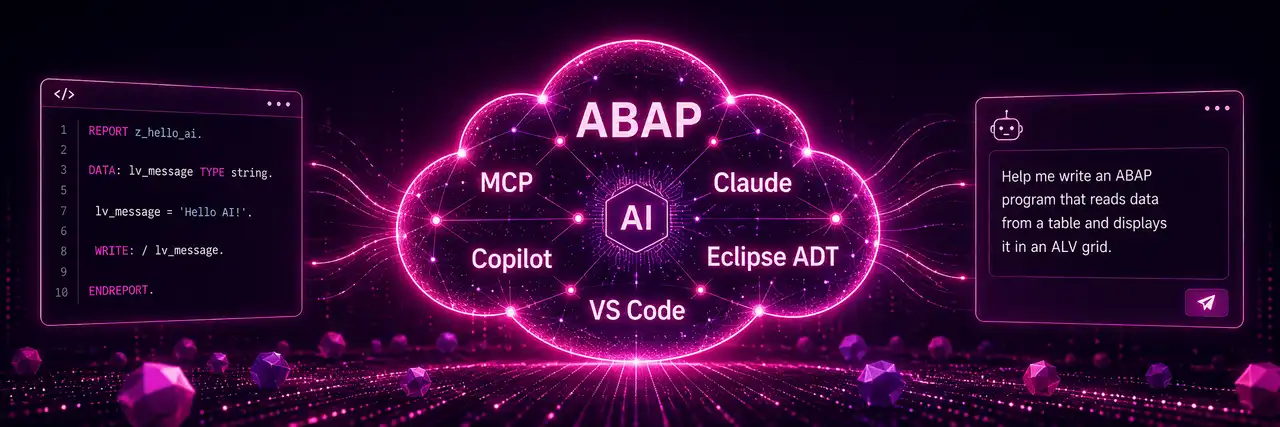


ABAP developers are facing a fundamental shift: AI assistants write code, analyze systems, and document applications – but getting started often requires tools and prior knowledge that play no role in everyday ABAP work. This crash course closes the gap.
On the first morning, you set up a working environment yourself – Claude with an MCP connection to an SAP system – and use it to work on real use cases: analyzing, documenting, refactoring, developing from scratch. On day 2, you deepen the practice and learn additional setup variants, such as Eclipse or VS Code with Copilot, so that you can implement the principle within the guidelines of your company – whatever tools may be permitted there.
We don't show you the perfect solution, but one way that works. Given the multitude of models, tools, and combinations and the pace of development, no one can cover everything – but anyone who has understood one way will also find their way around the branches.
Agenda
Training Content
Day 1 – Crash Course
Quick start vibe coding (without SAP)
- Create a first application with Claude Code and extend it iteratively
- The new way of working: specify, delegate, review
Context is king
- Prompt and context: input, project directory, CLAUDE.md
- Specifications and architecture guidelines as context
- Demo prompts compared: from weak to strong
Toolbox
- AI and ABAP with copy & paste: simple ALV report via the clipboard
- ABAP Git export
- MCP server: direct AI access to external systems
- Architecture overview: local development vs. ABAP development
MCP for SAP ABAP
- Set up ARC-1 MCP in Claude (MCPB bundle)
- Use case reading SAP: analyze a package, generate a specification as Markdown
- Use case writing SAP: store findings as a knowledge transfer document in the system
Outlook and discussion
- What does AI-assisted development mean for our role?
- Joint barbecue evening
Day 2 – Deep Dive
Setup variants
- Eclipse with Copilot and MCP: configuration
- VS Code with Copilot and MCP: configuration
- Classification: combining LLMs, clients, and MCPs
AI in everyday development
- Analyze complex applications and generate documentation
- Refactor and modularize an old report step by step
- Build a RAP application entirely with AI
- Analyze dumps and logs with AI
Further aspects
- Your own MCP servers in ABAP
- AI calls from within ABAP (outlook)
- Development process with multiple AI agents and a ticket tool (sketch)
Discussion
- Citizen developers and vibe coding in the business department: responsibility, bug fixing, maintenance
Prerequisites
- your own laptop with Eclipse ADT, ideally also NPM and VS Code
- access to an SAP system - talk to us if that is a problem
- we provide Claude access
- solid ABAP knowledge
Target group
ABAP developers